API Credentials
Managing tokens in the Meltwater application
Users with ‘Admin’ level access for the Meltwater API permission can manage API tokens inside the main Meltwater application on the Meltwater API page.
To manage your API token go to Account > Meltwater API in the application left-hand navigation.
Create an API token
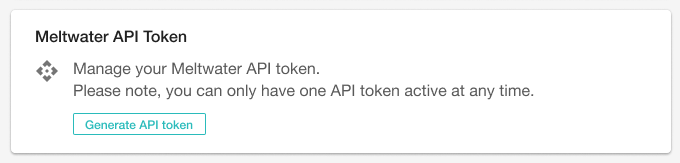
If you do not have an existing API token, click Create Token:
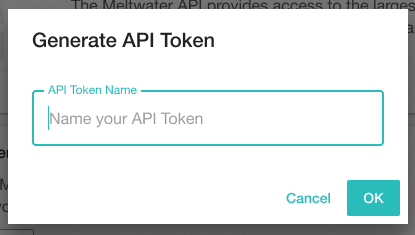
Now enter a name for the token. Choose a name that is useful for your reference:
Click OK, and wait for the token to be generated. Once it is generated the token will be shown:
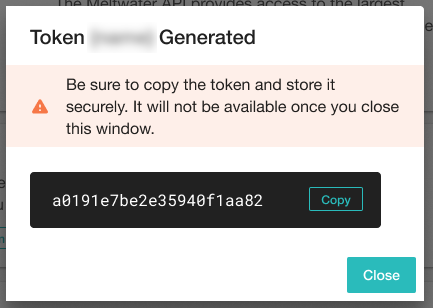
Make sure you copy the token at this point as you will not be able to access the token in future for security reasons.
You will use this token as the value of the apikey header when calling the API, as explained on the Authentication page.
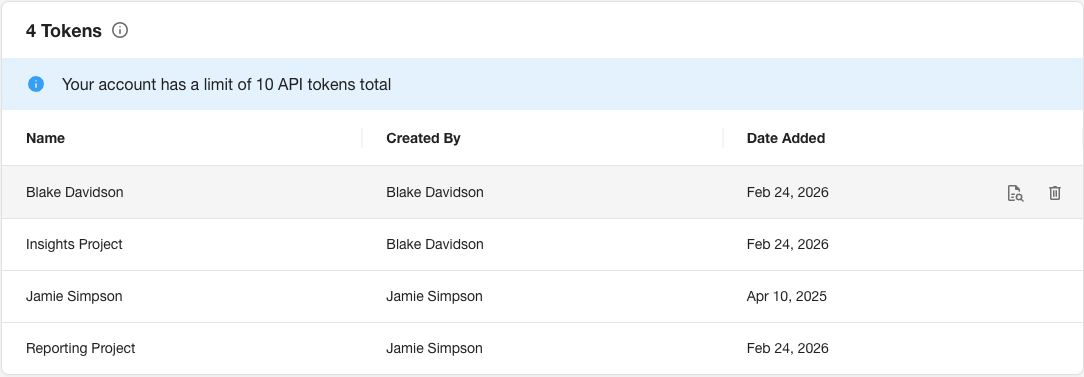
Your token will now be listed on the Meltwater API page:
Revoke an API token
You may want to revoke your API token if you are concerned it has been compromised, or if you want to ensure any services you have running cannot consume your API allowances.
Click on the Revoke button ( ) next to the listed token, and confirm that you would like to proceed:
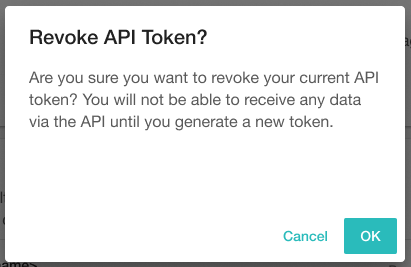
The token will be invalidated and any API requests made with this token will fail.
Viewing token usage details
Click on the See Usage button ( ) to see consumption for API tokens. For further information, see the Accessing Usage Statistics page.