Overview
Welcome to the Meltwater API. This guide will help you get started with the API features.
Subscribe to API status updates
Before you go any further, please make sure you subscribe to updates from our Status Page.
We aim for a very high uptime for our platform, but inevitably incidents can happen. The status page is the best way to stay informed.
Create your API token
When you call the API you will need to provide an API token. You can create an API token in the Meltwater application.
Read the API Credentials page to learn more.
Get started with API features
The API is organised into three areas:
- Data APIs — query Meltwater's editorial, social and AI-visibility data.
- Agents & AI Assistants — AI-native ways to consume that data, whether you build the agent or let Meltwater's assistant do the work.
- Integrations & BI — pipe Meltwater analytics into the tools your team already uses.
For each feature take a look at the overview page, which links to guides on how to get started.
Data APIs


Listening
Search, stream and export mentions from billions of editorial and social sources — with analytics, filters, and real-time delivery.


Explore+
Access content and analytics from your private Explore+ instance — search mentions, run analytics, and manage custom fields via API.


Social Analytics
Retrieve posts and performance metrics for your owned social accounts — engagement, reach, follower growth and more.
Influencer Campaigns
Pull your Klear influencer campaigns into your own tools - campaign posts, the creators behind them, and engagement, reach and EMV for each.
AI Visibility
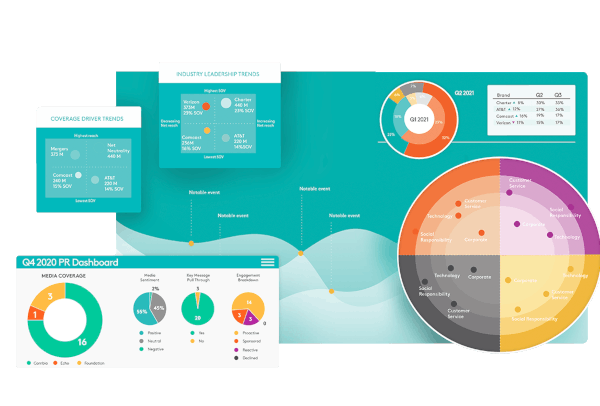
Track how your brands and competitors appear in AI assistant answers — monitor prompts, measure share of voice, and analyse sentiment across LLMs.


Bring Your Own Content
Ingest your own articles and data into Meltwater, then monitor, tag and analyse it alongside native editorial and social content.
Agents & AI Assistants


Mira API
Generate AI-powered summaries, insights and analysis from news and social data — and embed them directly into your own tools.


Meltwater MCP
Give your own AI agents tool-based access to your Meltwater assets and data over a single remote MCP server — usable from Claude, ChatGPT, or any MCP client.
Integrations & BI
Learn about limits and your usage
Which API features you can access, and your usage limits for these features will depend on your Meltwater package.
The Usage Limits page explains how API limits are applied. If you are unsure about your limits please reach out to the support team or your account manager.
The Accessing Usage Statistics page explains how you can access statistics on your API usage, both through the API programmatically and in the Meltwater application.
Getting help
If you have any questions please take a look at the FAQs page. If you need further help please reach out to our Support team.